explore visibility update, blocked tags, & more
heyhey,
we've heard the feedback over the last few days and have made some adjustments to explore visibility to reflect the desire for user control. we also have a new update regarding the ui for blocked tags, located in preferences and notifications, and created some new tags
we've created some new tags!! we've got a new umbrella concept: omegaverse, with some subsequent other tags that help describe it
we've adjusted some tags. after a few days of feedback, we understand that the simple cheating and ntr tags weren't quite capturing the intricacies of the relationships y'all build, as well as what users were wanting to block
cnc is off the exclusion list entirely, and now separate from free use. it stays on explore like everything else. we're taking the feedback and learning from that one
the rest becomes a filter you control. three parent tags get excluded by default, and you can switch any of them off yourself whenever you like. do it once and it sticks
- cuckold — cuckold, hotwifing, netorase, sharing
- cheating — netori, cheating, ntr
- complex relationships — ntr bait, cheating bait, fake ntr
why we changed it
a lot of you came to us with the same note: the goal was fine, but we made the call on your behalf when we could have handed you the switch instead. that's a good note, so we're building the switch. we'd rather move fast when you tell us we've got something wrong than defend a first draft just because it was ours.
creators, one real ask
use the parent tags above. we know the community has finer-grained labels and that some of them are genuinely more precise, but variants like s-ntr, a-ntr, and otherwise are close to impossible for us to moderate at scale. tag what it is and the filter does what everybody wants it to do
new blocked tag ui
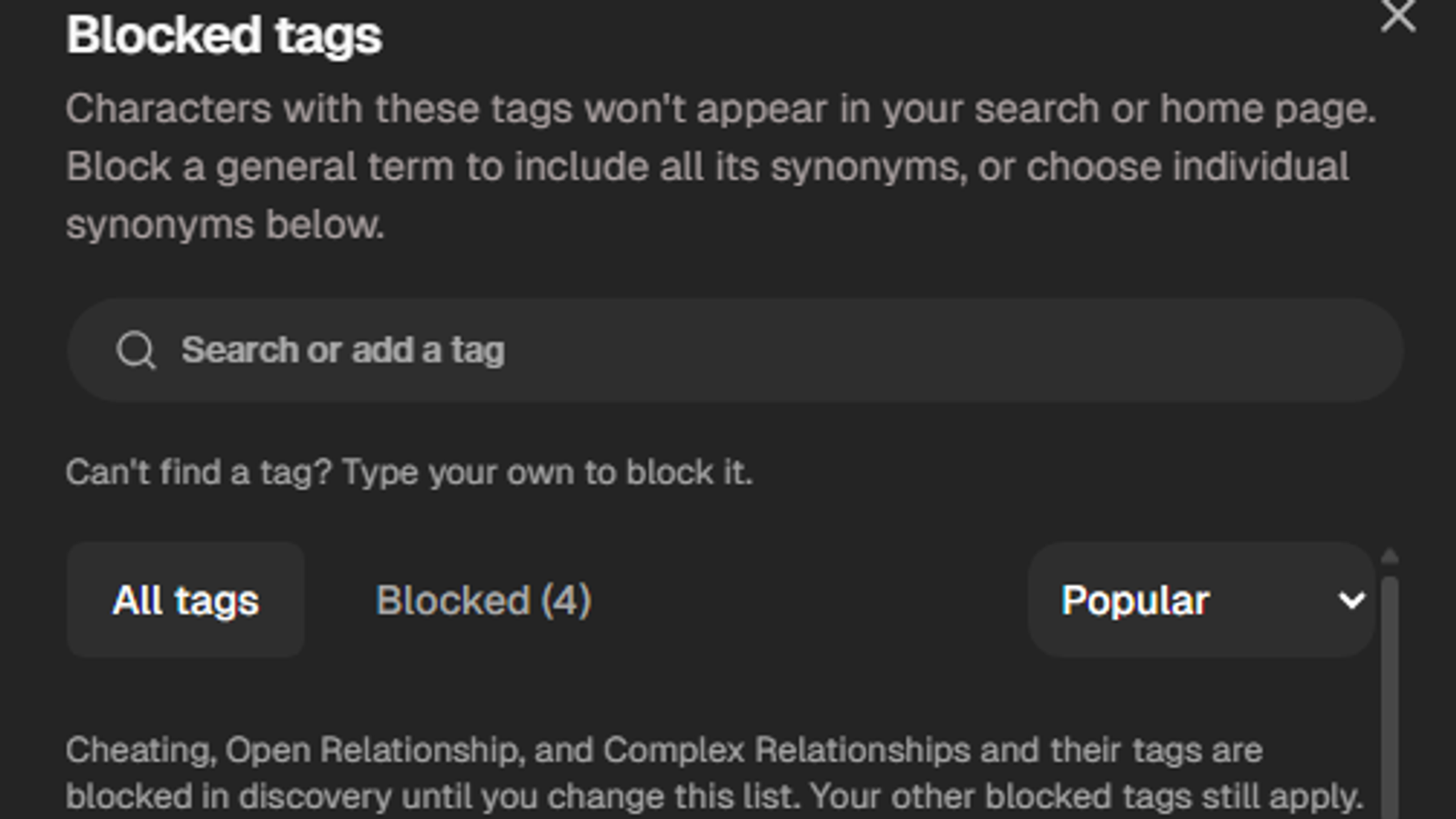
we created this to simplify users searching for tags to block! you can find the general tag and the tags that fall under their umbrellas and block accordingly... or make a note of them and use them in your next dive on explore
blocked tags can be located in your profile settings, over in preferences & notifications. you'll be able to adjust from there!
here is a quick link to manage your blocked tags for you anyway!
we're still iterating and we'll keep bringing it here. keep telling us when something's off, and thank you for your patience while we worked on this!